The Hidden Hardware Tax: How Bad Mice Steal 15ms From Your Reflexes
When you take a reaction time test, your score is the sum of your biological response time PLUS your computer hardware delay. While average human visual reaction time is ~200–240ms, a generic office mouse or budget gaming mouse can easily add 15 to 30 milliseconds of artificial latency before your computer registers the click:
- Mechanical Debounce Delay: Traditional metal switches require 4–12ms of artificial delay to prevent false double-clicking.
- USB Polling Rate: Standard 1000Hz USB polling introduces an average 0.5–1.0ms delay. Modern 4000Hz/8000Hz polling cuts this down to 0.125ms.
- Sensor Smoothing & Wireless Processing: Inexpensive wireless chips introduce jitter and transmission lag.
Switching to an ultra-low latency optical gaming mouse is the single fastest hardware upgrade to drop 15–20ms off your personal best score immediately.
The 5 Fastest Gaming Mice for Reflexes & Reaction Time
Logitech G PRO X2 SUPERSTRIKE
Rank 1 Speed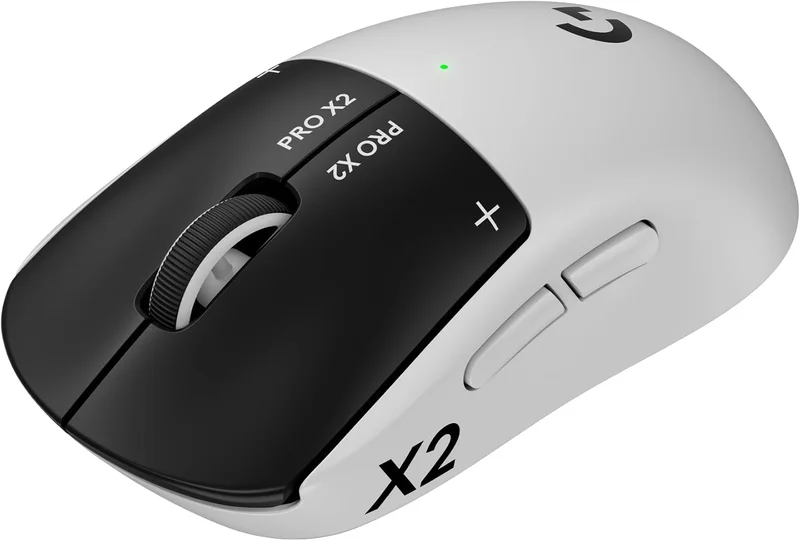
Engineered for absolute speed. The hybrid optical-mechanical switches eliminate debounce delay completely by breaking an infrared light beam, delivering sub-0.3ms actuation with the satisfying tactile click of a mechanical switch.
Key Advantages: Zero debounce lag, ultra-lightweight 54g chassis, class-leading battery efficiency.
Razer Viper V4 Pro
8000Hz HyperPolling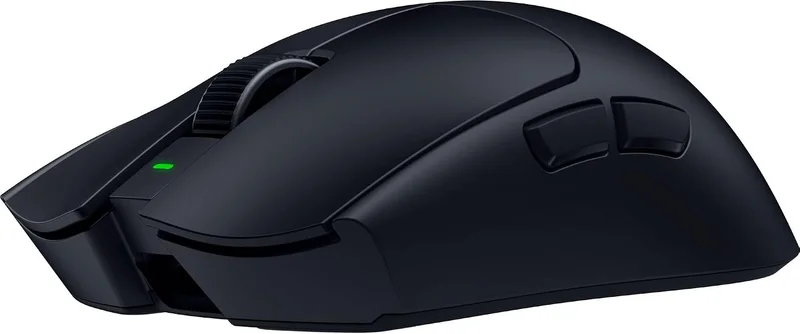
The competitive benchmark for pure esports performance. With native 8000Hz wireless polling, the Viper V4 Pro sends click and position data every 0.125ms, rendering your inputs on the exact refresh frame your screen draws.
Key Advantages: Industry-lowest wireless click latency, symmetrical claw/fingertip grip perfection.
Razer DeathAdder V4 Pro
Ergonomic Choice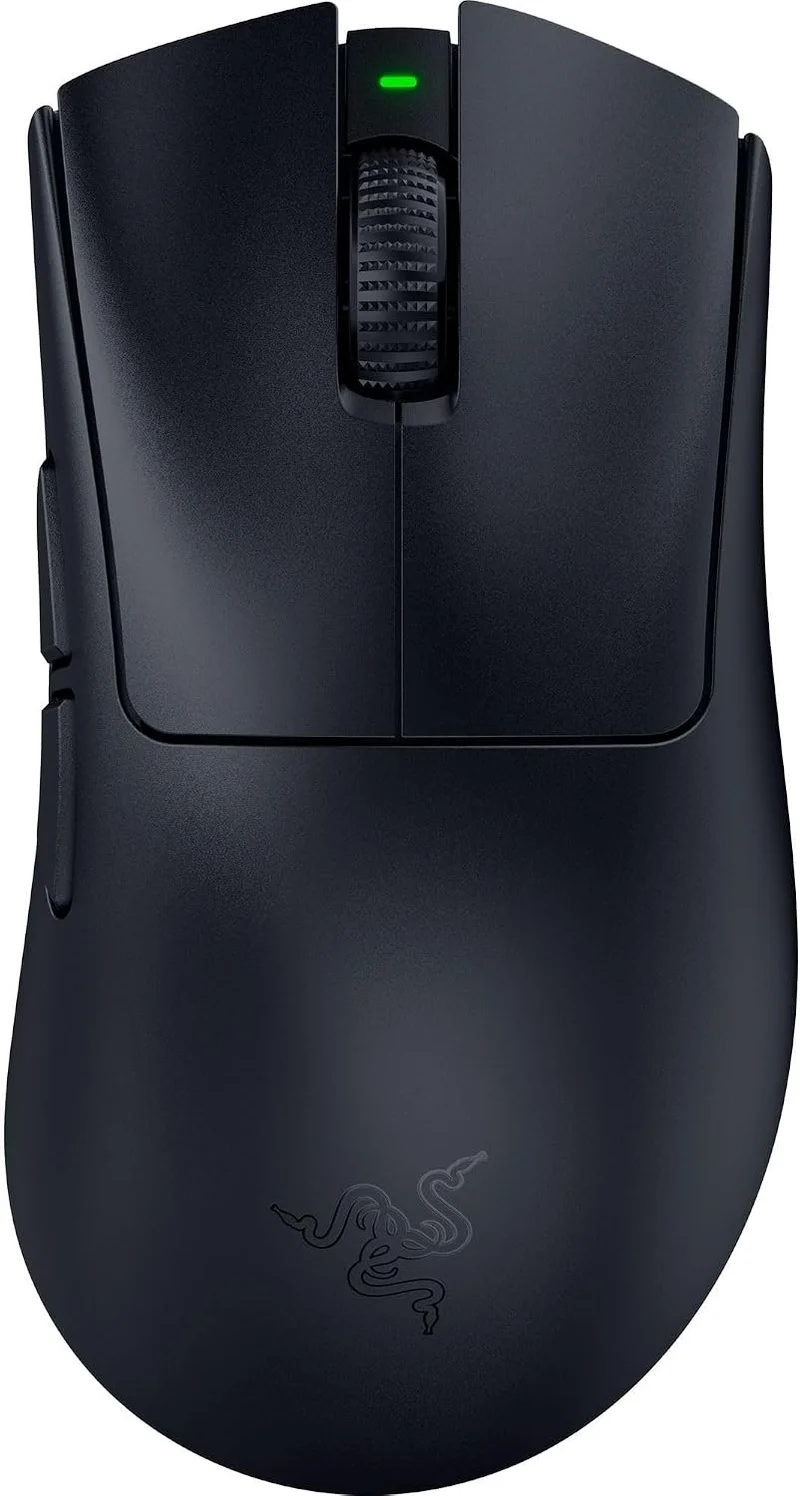
For palm and relaxed claw grippers who want zero-compromise latency without hand fatigue. It features the exact same cutting-edge 8000Hz sensor and optical switches as the Viper in an iconic ergonomic shape.
Key Advantages: Supreme ergonomic comfort for long gaming sessions with top-tier reaction speeds.
Logitech G PRO X Superlight 2
Esports Standard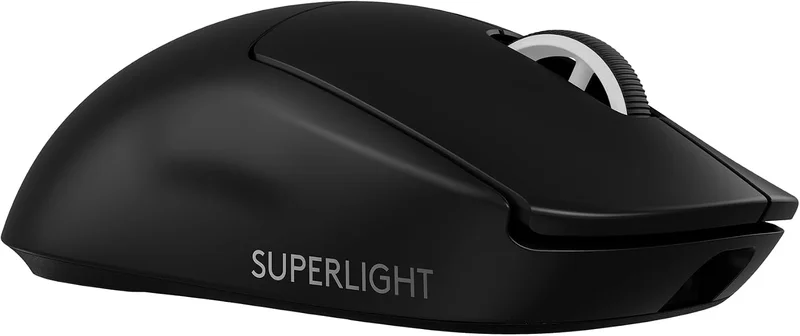
The mouse trusted by more Counter-Strike and VALORANT champions than any other. Rock-solid 4000Hz LIGHTSPEED wireless combined with the flawless tracking consistency of the HERO 2 sensor.
Key Advantages: Unrivaled wireless stability, safe universal shape that fits virtually any hand size.
Logitech G502 X Plus
Multi-Button Pro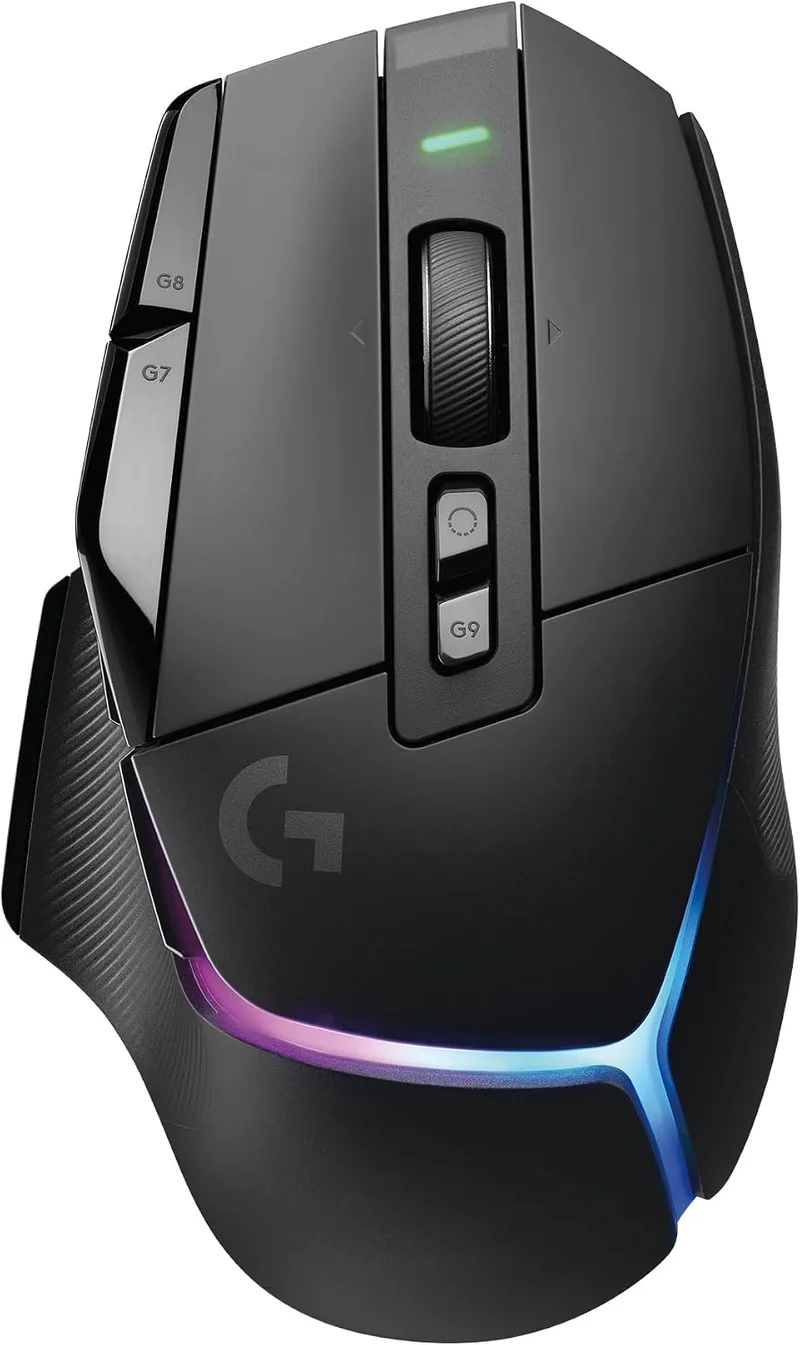
For gamers who want low-latency optical switches combined with extra thumb buttons and customizable ergonomics for both productivity and competitive play.
Key Advantages: Ergonomic thumb rest, dual-mode scroll wheel, versatile button layout.
3 Pro Tips to Minimize Mouse Latency in Windows
- Connect Receiver via Extension Cable: Keep your wireless USB dongle within 20cm (8 inches) of your mousepad to prevent 2.4GHz radio packet loss.
- Enable Raw Input in Games: Always bypass Windows desktop mouse acceleration to eliminate software filtering delay.
- Set High DPI with Lower In-Game Sensitivity: Running 1600 or 3200 DPI reduces sensor micro-movement delay compared to legacy 400 DPI.
Ready to Benchmark Your Current Setup?
Test your click speed on ReflexBench and find out where you rank against 2,000+ competitive gamers worldwide.